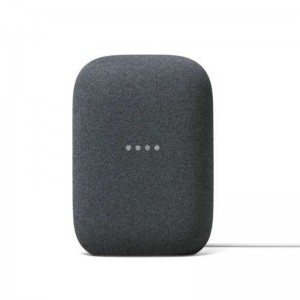
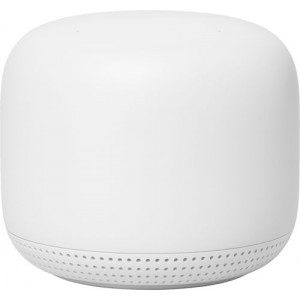
Use Google Duo on Nest Audio to call mobile phones, tablets, and more. This is free and works internationally.
In the Google Home app, there’s a “Call Home” coin at the top. Tap that coin and your Nest Audio will become a home phone.
UCall any other Nest speaker or display in your home. Just say “Hey Google, call the living room” or “Hey Google, call the kitchen.”
Just say “Hey Google, broadcast [any message]” to send that message to all the other speakers and displays in your house. You can also broadcast from within the Google Home app.
Transfer music around your home
If you have multiple Nest Audio speakers, you can easily move music around your home with just your voice. Just say, ‘OK Google, move music to the living room.