IN STOCK AT OVERSEAS SUPPLIER - DISPATCHED/COLLECTION IN 14-20 DAYS
PriceR320
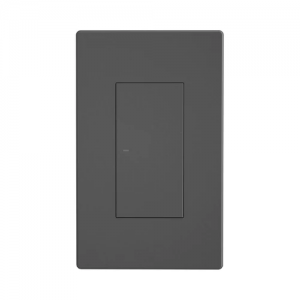
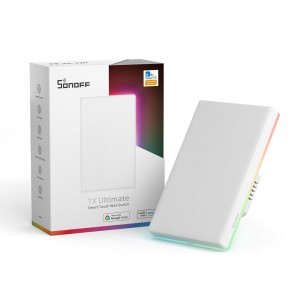
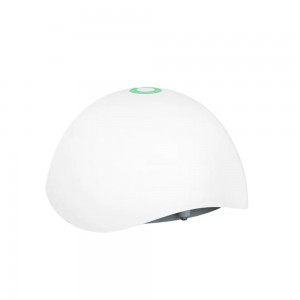
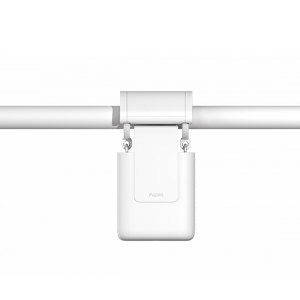
Physical buttons – High-precision physical button to operate. Anyone can easily use it
Safe Disassembly – Separate the high and low voltage and disassemble the switch safely
APP control – Manage devices at any time, don’t worry about forgetting to turn off the electrical appliances
Voice control – Supports voice control by working with Alexa, Google Home, Alice and Siri shortcut
Safety Certification – CE and UKCA certified. Safe performance is guaranteed
”eWeLink-Remote” Control – M5 is a smart switch with the gateway function of “eWeLink-Remote“. If you want to use the “eWeLink-Remote” control function, you need to use it with the S-MATE or scene remote controller R5
IN STOCK AT OVERSEAS SUPPLIER - DISPATCHED/COLLECTION IN 25-30 DAYS
Regular priceR295-R100
PriceR195
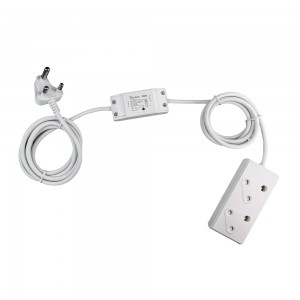
Small and Compact design – High current wire, Configure and Play
Activation dates, days of the week, start time and duration can all be pre-configured via the EWELINK application giving you complete remote control and ON/Off overwrite
Supports Voice Commands and also AI units such as Amazon Alexa Echo and Google Home solution
All your Smart Devices connected via a Single stable Platform through EWELINK
The entire EWELINK system performance replies on an ‘adequate WIFI’ (2.4GHz only) signal
Works with Amazon Alexa, Google home and supports IFTTT on the Fastest and most Stable Platform available
Complete ‘timer control’ over your geyser or any appliances from ANYWHERE via your mobile phone or simply through your voice
Configure and Schedule activation dates, days of the week, ON/OFF times, duration etc.
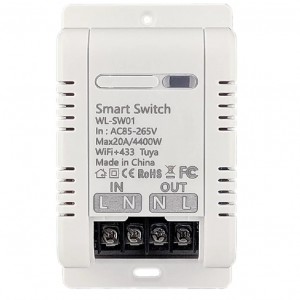
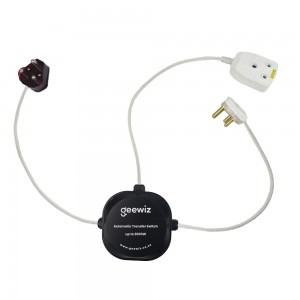
Smart Wi-Fi Geyser Control Switch 30A (6.6KW)
App: EWELINK
*** NOTE: Due to the casing size this unit cannot be fitted with larger terminals to accommodate 2.5sqm wires. Although this unit is rated for 30A a maximum current of 15A to 20A is recommended.
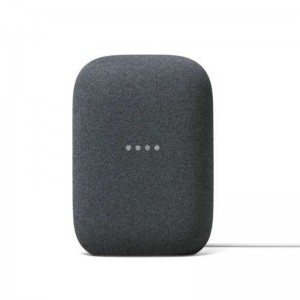
Use Google Duo on Nest Audio to call mobile phones, tablets, and more. This is free and works internationally.
In the Google Home app, there’s a “Call Home” coin at the top. Tap that coin and your Nest Audio will become a home phone.
UCall any other Nest speaker or display in your home. Just say “Hey Google, call the living room” or “Hey Google, call the kitchen.”
Just say “Hey Google, broadcast [any message]” to send that message to all the other speakers and displays in your house. You can also broadcast from within the Google Home app.
Transfer music around your home
If you have multiple Nest Audio speakers, you can easily move music around your home with just your voice. Just say, ‘OK Google, move music to the living room.
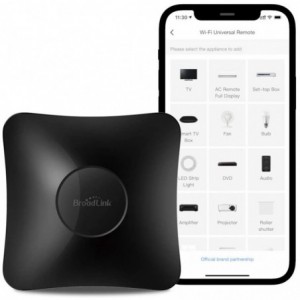
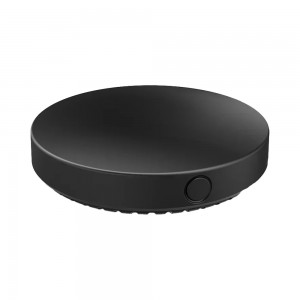
BroadLink RM4 pro IR and RF Universal Remote, All in One Hub Code Learning Wi-Fi Remote Control for TV Air Conditioner STB Audio, Curtain Motor, Works with Alexa, Google Home, IFTTT