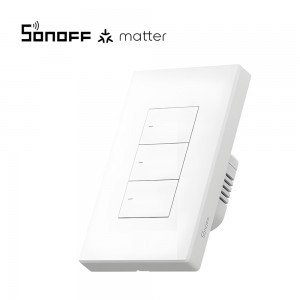
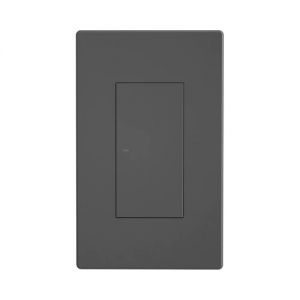
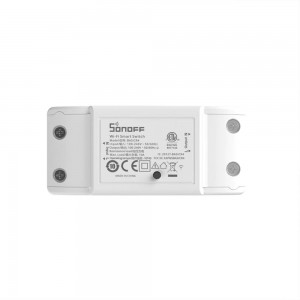
Physical buttons – High-precision physical button to operate. Anyone can easily use it
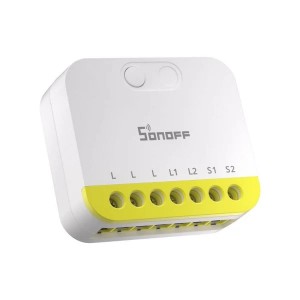
Safe Disassembly – Separate the high and low voltage and disassemble the switch safely
APP control – Manage devices at any time, don’t worry about forgetting to turn off the electrical appliances
Voice control – Supports voice control by working with Alexa, Google Home, Alice and Siri shortcut
Safety Certification – CE and UKCA certified. Safe performance is guaranteed
”eWeLink-Remote” Control – M5 is a smart switch with the gateway function of “eWeLink-Remote“. If you want to use the “eWeLink-Remote” control function, you need to use it with the S-MATE or scene remote controller R5
IN STOCK AT OVERSEAS SUPPLIER - DISPATCHED/COLLECTION IN 14-20 DAYS
PriceR2,814
Add additional cameras in just two clicks.
Connect up to 4 camera devices at once.
When two or more cameras are connected, SpaceView automatically cycles between the view of each unit, for complete coverage of your baby's environment.
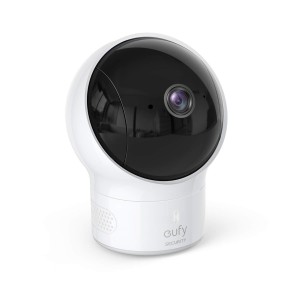
Pan the lens 330° to see corner-to-corner, and tilt 110° to see floor-to-ceiling.
When the lights are out, night vision technology provides clear video so you can rest easy.
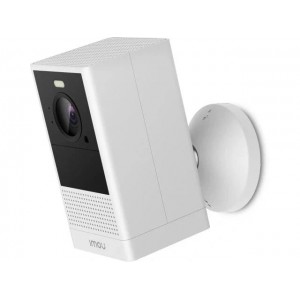
The Imou Cell-2 wireless rechargeable battery-operated camera provides 4 MP live monitoring to see clearly what is happening in and around your home. Its rechargeable battery can last you half a year with one full charge based on 10 alarm trigger events per day over a 180-day period.
Features:
4 MP QHD Video
100% Wire-Free
Flexible Power Supply
Smart Color Night Vision
Active Deterrence
Dual-Band 2.4GHz & 5GHz Wi-Fi ensures stable video streaming, even at long ranges.
PIR Detection. High quality passive IR detector for reducing false alerts
Two-way Talk
Privacy Mode
Human Detection
Weatherproof for outdoor conditions. Powered by battery, Cell 2 can almost be placed anywhere you want.
Supports Cloud Storage or Micro SD card (up to 128 GB)
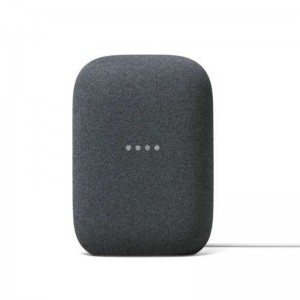
Use Google Duo on Nest Audio to call mobile phones, tablets, and more. This is free and works internationally.
In the Google Home app, there’s a “Call Home” coin at the top. Tap that coin and your Nest Audio will become a home phone.
UCall any other Nest speaker or display in your home. Just say “Hey Google, call the living room” or “Hey Google, call the kitchen.”
Just say “Hey Google, broadcast [any message]” to send that message to all the other speakers and displays in your house. You can also broadcast from within the Google Home app.
Transfer music around your home
If you have multiple Nest Audio speakers, you can easily move music around your home with just your voice. Just say, ‘OK Google, move music to the living room.