



 Get registered and you will earn 29 points
(Each R100 spent = 1 point).
Get registered and you will earn 29 points
(Each R100 spent = 1 point).IN STOCK AT OVERSEAS SUPPLIER - DISPATCHED/COLLECTION IN 14-20 DAYS

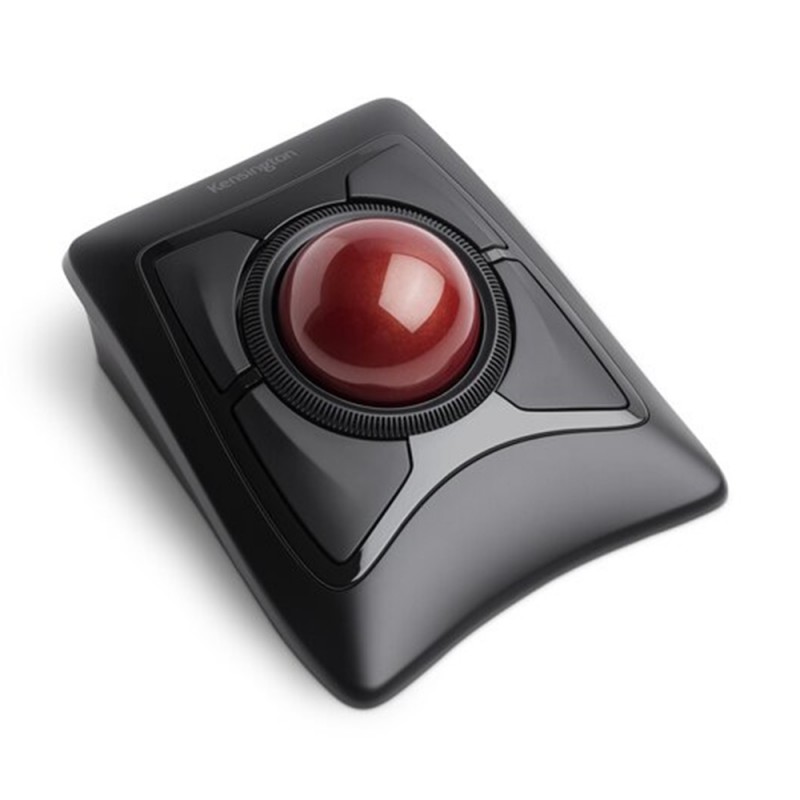
Experience exceptional precision, ergonomic comfort, and wireless freedom with the Kensington Expert Wireless Trackball Mouse K72359WW. Designed for professionals, creatives, programmers, CAD users, editors, and power users who demand precise cursor control with minimal hand movement, this premium wireless trackball delivers smooth navigation, advanced customization, and all-day ergonomic support in a highly respected desktop productivity design.
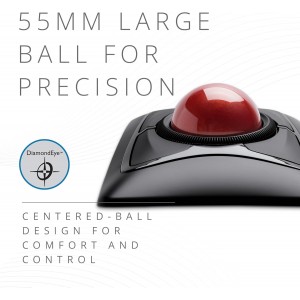
Unlike traditional mice that require constant arm movement, the Kensington Expert Wireless Trackball keeps your hand comfortably stationary while the large 55mm trackball delivers highly accurate fingertip cursor control. Featuring dual wireless connectivity via Bluetooth® LE and 2.4GHz USB nano receiver, customizable buttons, a signature precision scroll ring, and detachable wrist support, this trackball is engineered for productivity, comfort, and long-term desktop efficiency.
The Kensington Expert Wireless Trackball is built for users who require exceptional precision and smooth cursor control without the repetitive arm movement associated with standard mice. The oversized 55mm trackball allows precise fingertip navigation, making it ideal for:
The DiamondEye™ optical tracking sensor provides highly accurate movement tracking with responsive cursor control for demanding workflows.
Enjoy flexible wireless connectivity options with support for:
The Bluetooth mode helps free up valuable USB ports, while the included nano receiver provides stable low-latency connectivity for desktop systems and laptops. The built-in receiver storage compartment keeps the USB dongle secure during transport.
Designed for prolonged desktop use, the Kensington Expert Trackball promotes a more natural wrist and arm position compared to conventional mice. The detachable wrist rest provides additional palm support to reduce fatigue during extended sessions.
The ambidextrous symmetrical layout works equally well for both left-handed and right-handed users, making it an excellent shared-office or multi-user solution.
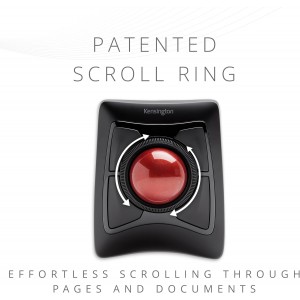
One of Kensington’s most recognizable features is the precision Scroll Ring surrounding the trackball. This allows quick and comfortable vertical scrolling through:
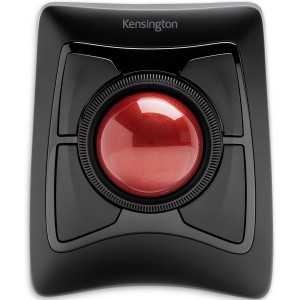
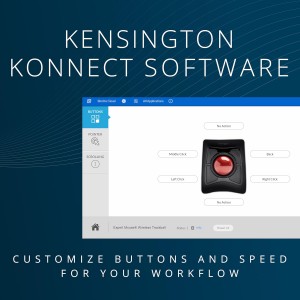
The four programmable buttons can be customized using Kensington software to perform shortcuts, macros, navigation commands, or productivity functions tailored to your workflow.
The Kensington Expert Trackball has developed a loyal following among professional users and trackball enthusiasts for its comfort, precision, and desktop efficiency. Many users praise its reduced desk footprint, ergonomic advantages, and highly accurate fingertip control.
Some advanced users recommend using the USB receiver for the most stable wireless performance and customization support, particularly on macOS systems.
| Specification | Details |
|---|---|
| Product Type | Wireless Ergonomic Trackball Mouse |
| Model | K72359WW |
| Connectivity | Bluetooth® LE + 2.4GHz Wireless USB Receiver |
| Sensor Technology | DiamondEye™ Optical Tracking |
| Trackball Size | 55mm |
| Buttons | 4 Programmable Buttons |
| Scroll Function | Precision Scroll Ring |
| DPI | 400 |
| Design | Ambidextrous |
| Compatibility | Windows, macOS, ChromeOS |
| Power Source | AA Batteries |
| Wireless Receiver | USB Nano Receiver |
| Wrist Rest | Detachable Ergonomic Wrist Rest |

If you have any further questions, please feel free to use the form below to ask:
